Someone reports the failure.
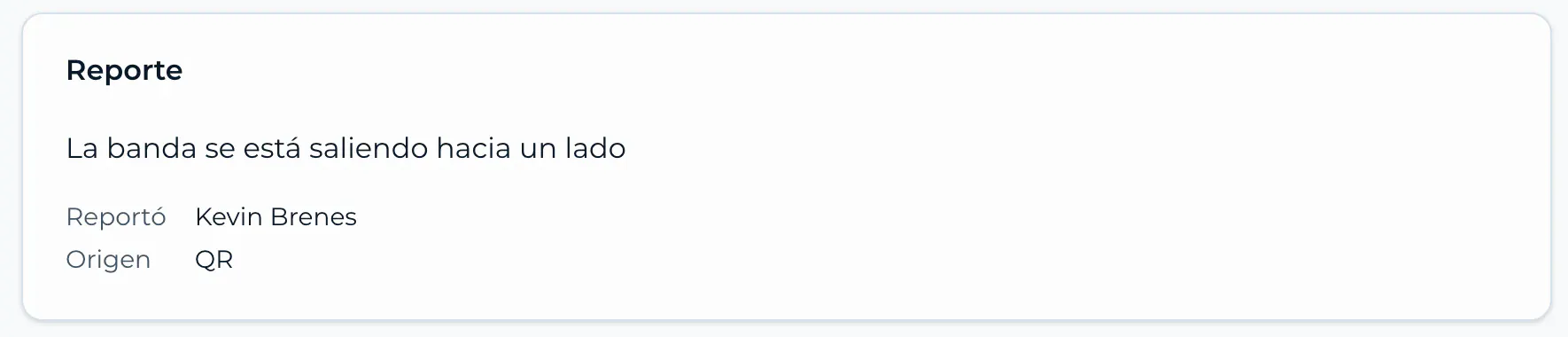
An operator scans the asset’s QR code, writes to the Mantenix WhatsApp number or uses the portal. No account needed, and repeated reports of the same asset group together.
- QR code per asset
- Client portal
How it works
Six steps, one record. Follow a real failure through Mantenix: who reports it, who decides, who fixes it and what the data says at the end of the week.
Report
An operator scans the asset’s QR code, writes to the Mantenix WhatsApp number or uses the portal. No account needed, and repeated reports of the same asset group together.
AI proposes
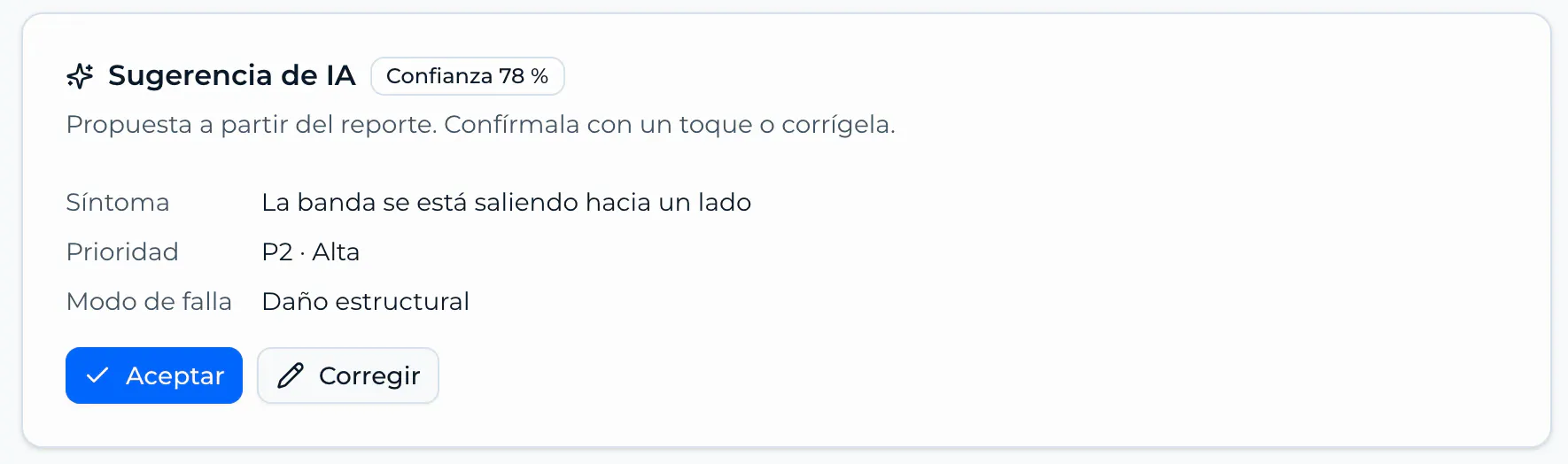
In seconds the AI suggests the symptom, the priority and the failure mode from the report. The supervisor accepts it with one tap or corrects it.
Assignment
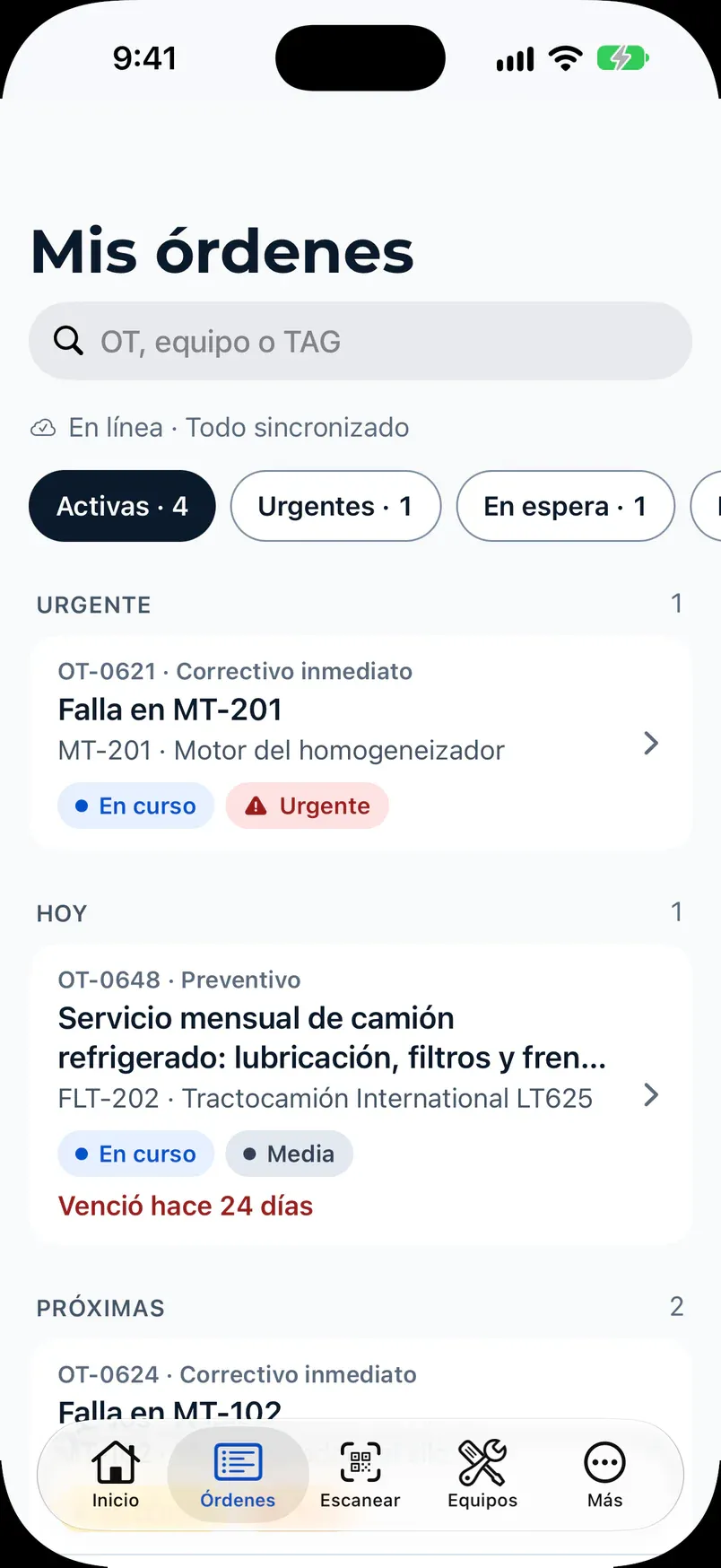
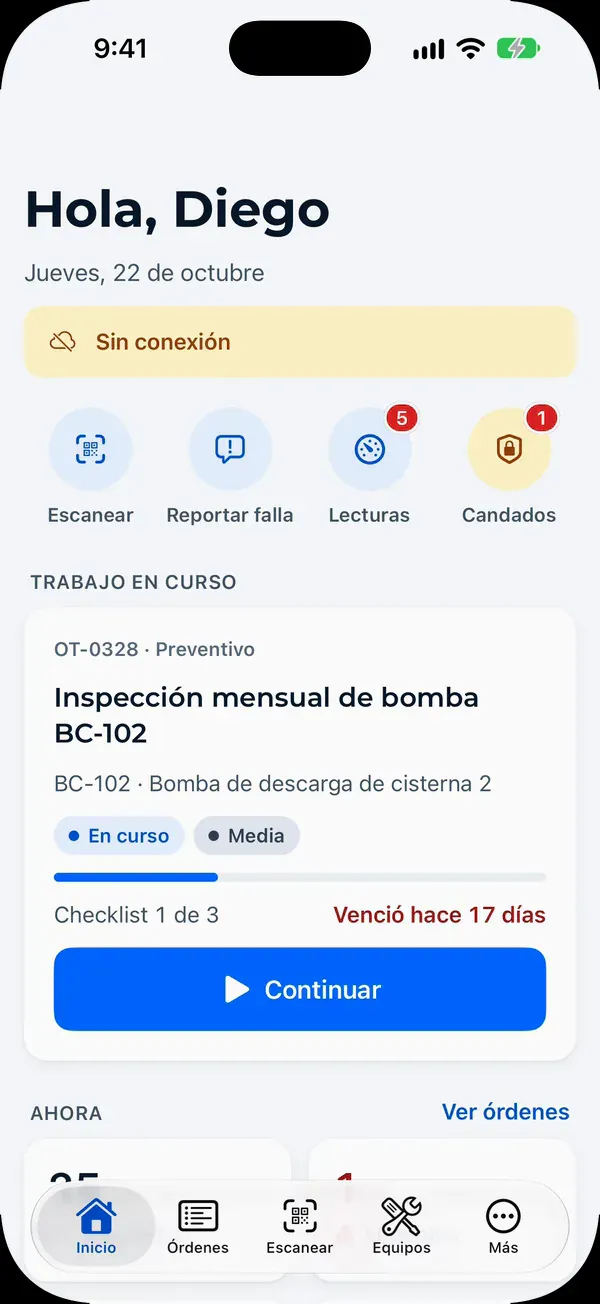
The work order arrives in the field app with its asset, priority and procedure. It is on the device, so it opens even where there is no signal.
Execution
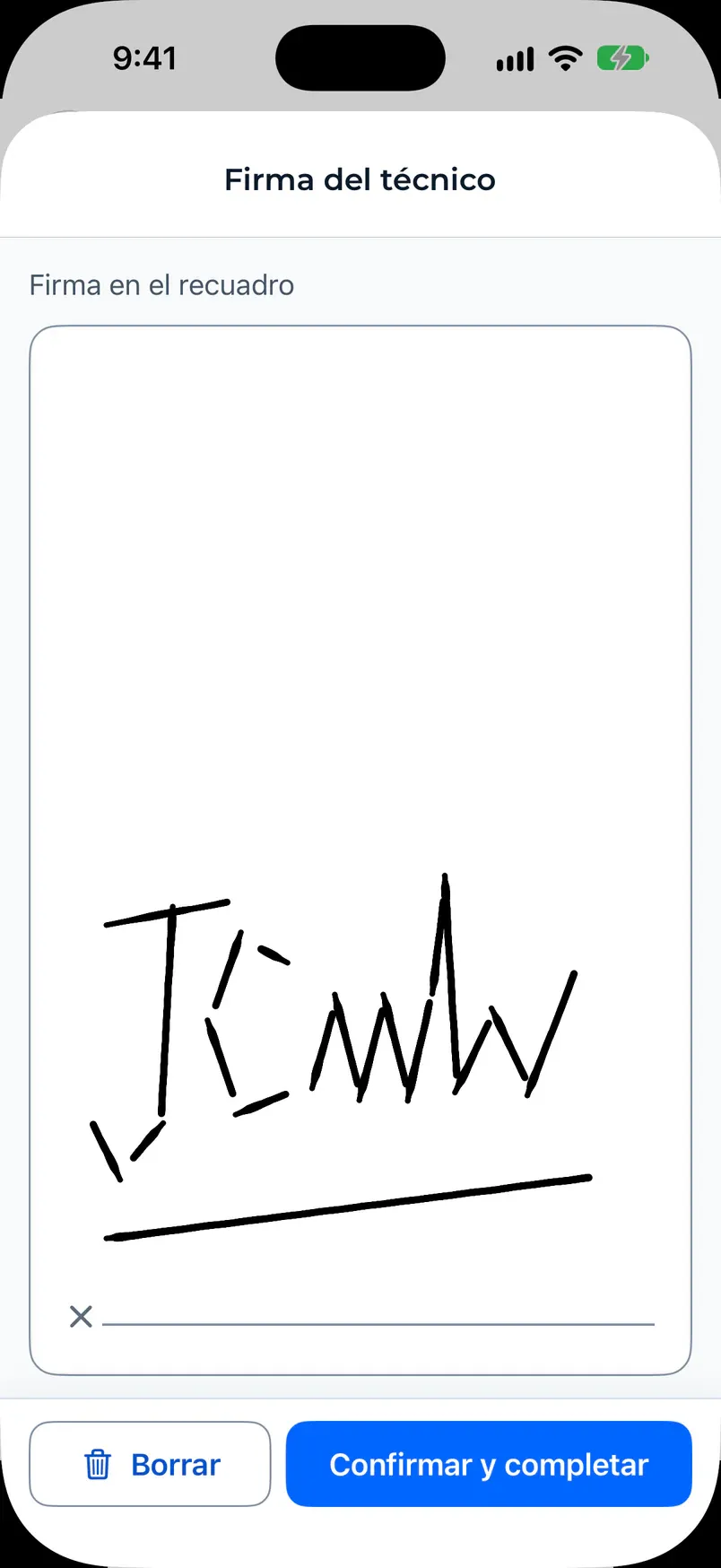
The technician follows the checklist, records readings and photos, takes the parts from the warehouse and signs. Everything waits on the phone until coverage returns.
Closure
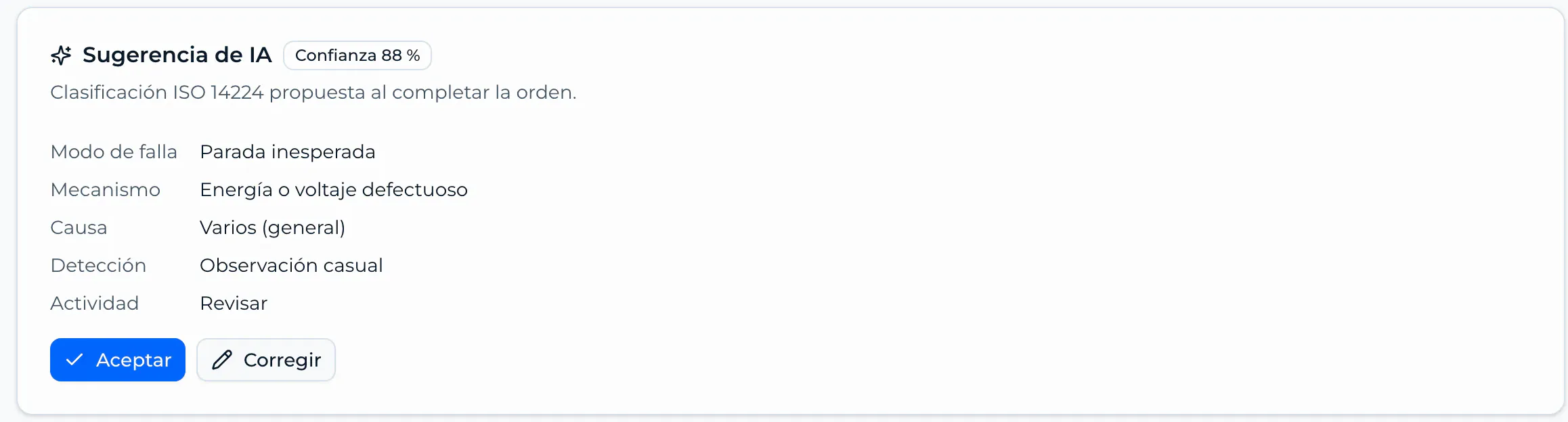
On close, AI proposes the ISO 14224 classification and the supervisor confirms it. The asset’s history, its downtime and its cost update on their own.
Indicators
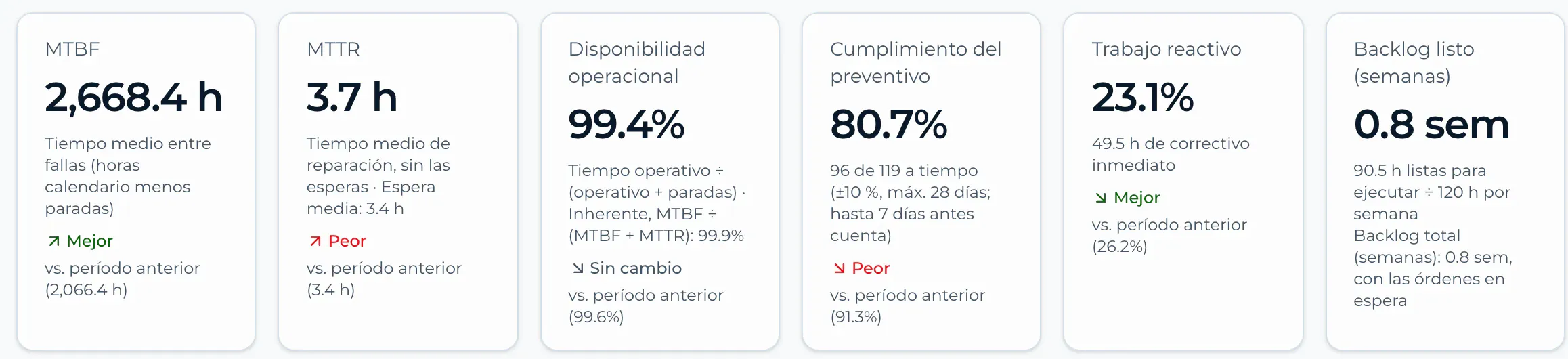
MTBF, MTTR, availability and preventive compliance are calculated from the closed orders, and the weekly report reaches the managers by email.
How to start
We go through Mantenix with your assets, your sites and your terminology. No slides.
Import your assets from an Excel workbook, set up your sites and invite each person with their role.
Print the QR labels for your assets, install the app on the technicians’ phones and receive the first request.
FAQ
No. Anyone can report by scanning the asset’s QR code or writing to the Mantenix WhatsApp number. The request opens with its asset, and the requester hears back when the order closes.
No. The AI proposes the priority, the failure mode or the technician, and a person accepts or corrects every suggestion.
The app keeps working. The order, the checklist, the photos and the signature are saved on the phone and sync on their own when coverage returns.
From the records themselves: orders, clocked time, downtime and costs. Nobody has to fill in a spreadsheet at the end of the month.
One hour with your assets, your sites and your terminology. No slides.
Or write to ussupport@mantenix.com+506 7012 4238